Plan the whole round
Add a Start, ordered delivery stops and a configured End. Choose current location or a saved address, then optimise the sequence and re-optimise remaining work when the day changes.
 NavRoutes.
Get NavRoutes
NavRoutes.
Get NavRoutes

NAVROUTES / FOR DELIVERY DRIVERS & COURIERS
Every stop, in order.
NavRoutes is a multi-stop route planning app for delivery drivers and couriers. Optimise your stop order, keep parcel details handy and record each delivery.
THE NAVROUTES APP
From planning a courier route to recording the last delivery, keep the stops, schedule and parcel details together. These app-style illustrations explain the features without revealing the actual interface.
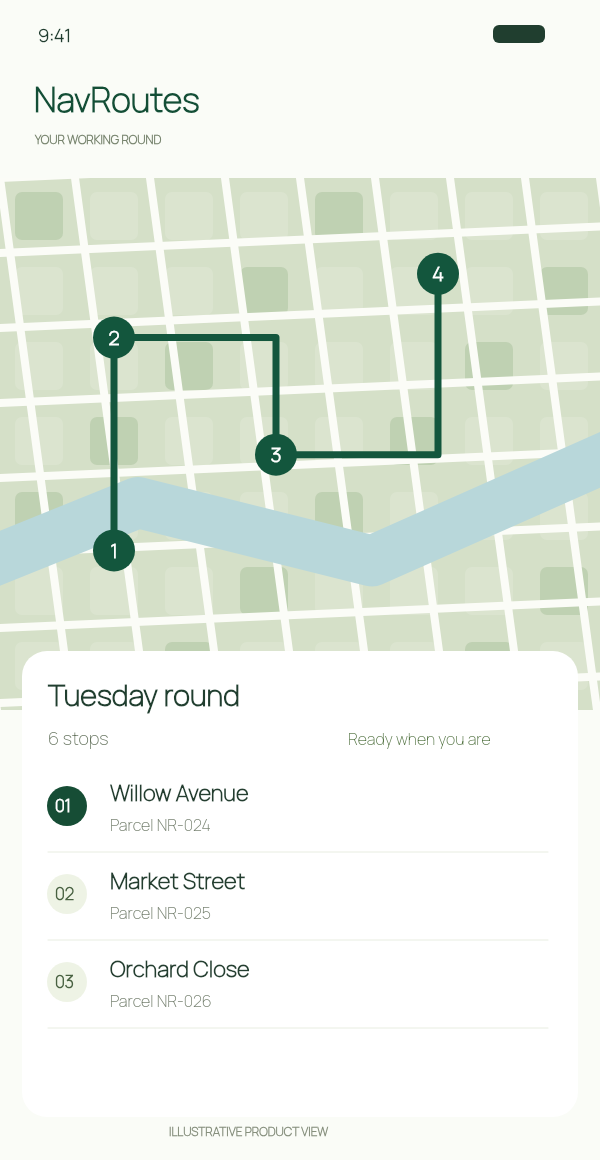
Put delivery addresses in order, choose your start and finish, and re-optimise remaining stops when plans change.
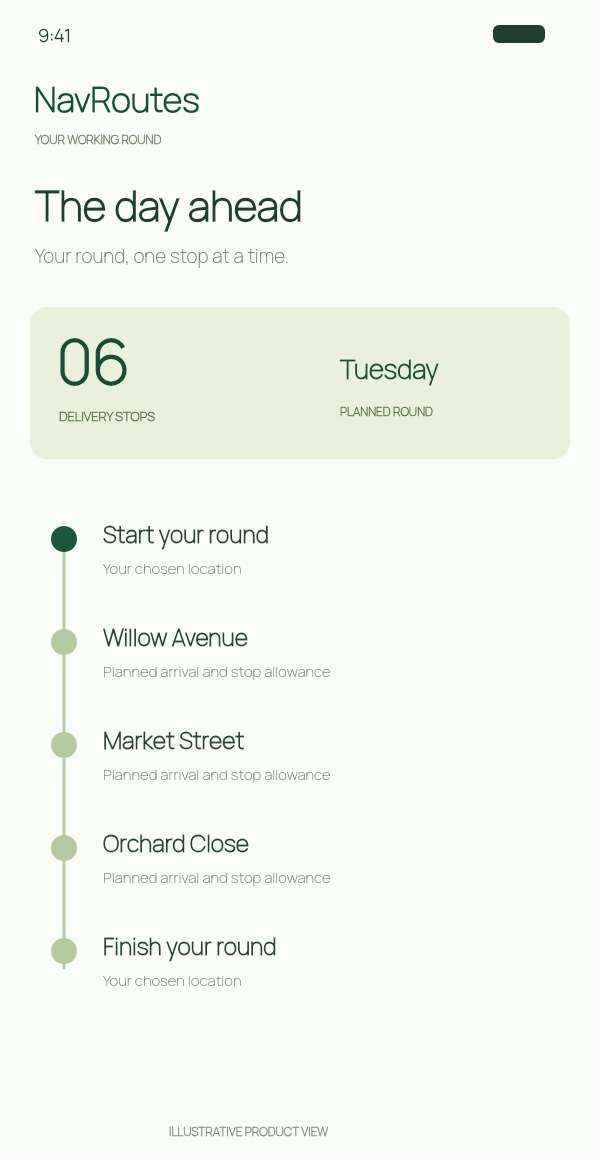
Review planned arrival times and allow time at each delivery stop. Know how the round fits together before setting off.
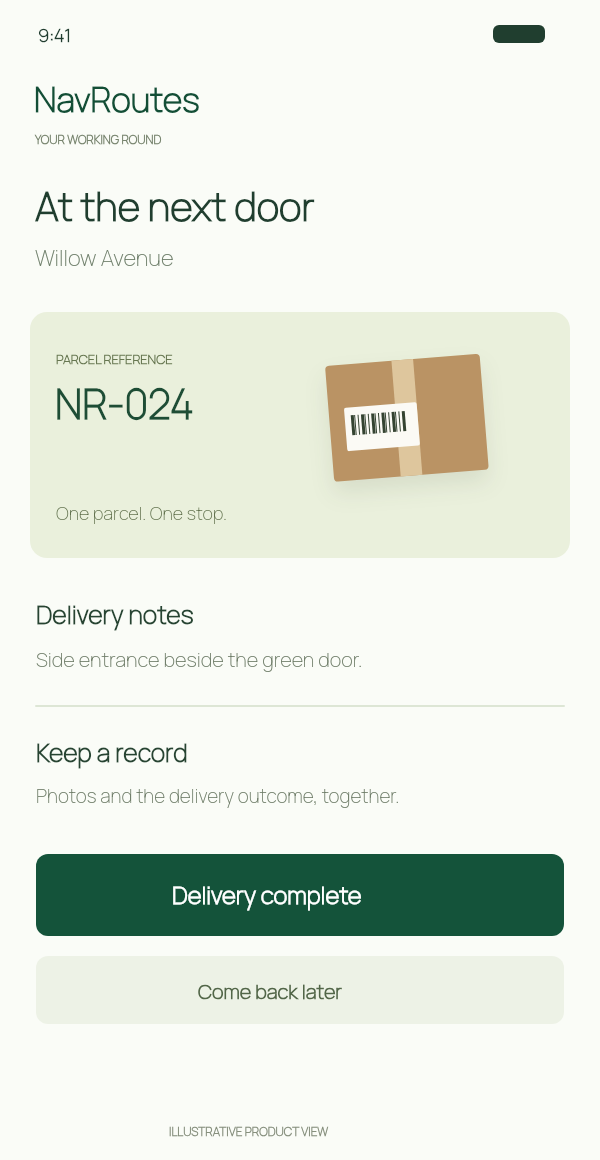
Match parcel references to stops and record completed, failed or deferred deliveries. This is your delivery record, not live carrier tracking.
Illustrative app views, not screenshots. Features vary by platform; Android-specific imagery is not shown.
THE FULL DELIVERY TOOLKIT
NavRoutes keeps the practical parts of a delivery round together, from the first address you add to the record you review afterwards.
Add a Start, ordered delivery stops and a configured End. Choose current location or a saved address, then optimise the sequence and re-optimise remaining work when the day changes.
Search addresses, use recent places, choose your current location, scan a single address or speak a destination. On eligible iPhones, AI-assisted order-page import turns reviewed paperwork into candidate deliveries that you confirm before saving.
Review route distance, driving time, planned arrival and departure at each stop, time allowed at the delivery, and the planned finish of the round.
On iPhone, use NavRoutes Drive with map guidance, route steps, wrong-turn recovery and rerouting, or hand off a stop to Apple Maps, Google Maps or Waze. Android’s initial release uses external Google Maps or Waze navigation only.
Keep parcel references, recipient details, driver notes and delivery instructions beside the stop, so the next address is connected to the right item.
Organise parcel-reference and delivery-proof photos, with support for replacing, reordering, viewing and deleting images. Damage and signature categories are supported where available.
Mark a stop completed, failed, skipped or deferred, add a reason or evidence, reset a status, and continue with the remaining route without pretending the day went perfectly.
Review saved routes, inspect stop outcomes and route totals, copy stops into a new run, and export route records as CSV or PDF where supported.
Choose a navigation provider, vehicle and units, avoid tolls, set planned time at each stop, and keep global driver defaults separate from route-specific overrides.
Choose from 51 supported app languages and keep the route workflow, settings and records in the language that suits your driving day.
Resume a saved route after leaving the app, returning from external navigation or reopening the app, with stop states and route settings preserved.
Try the iPhone free address limit, then manage available subscription plans through the App Store. Android subscription UI is in development and Google Play Billing is not connected yet.
Capabilities and limits vary by platform and release. iOS includes the embedded NavRoutes Drive experience; Android’s initial release is external-navigation only. Current iPhone free access counts 10 addresses including Start and End; subscription limits and prices are shown in the app.
01 / ADDRESS ENTRY & ROUTE OPTIMISATION
Add delivery stops with address search, recent addresses or camera scanning. Optimise your multi-stop route, choose where to finish and review the planned schedule.
Three deliveries. Every detail together.
Not working from a list? Search, speak or scan a single address on iPhone.
See the day ahead. Planned arrivals include your time allowance at each stop.
02 / AT THE NEXT DOOR
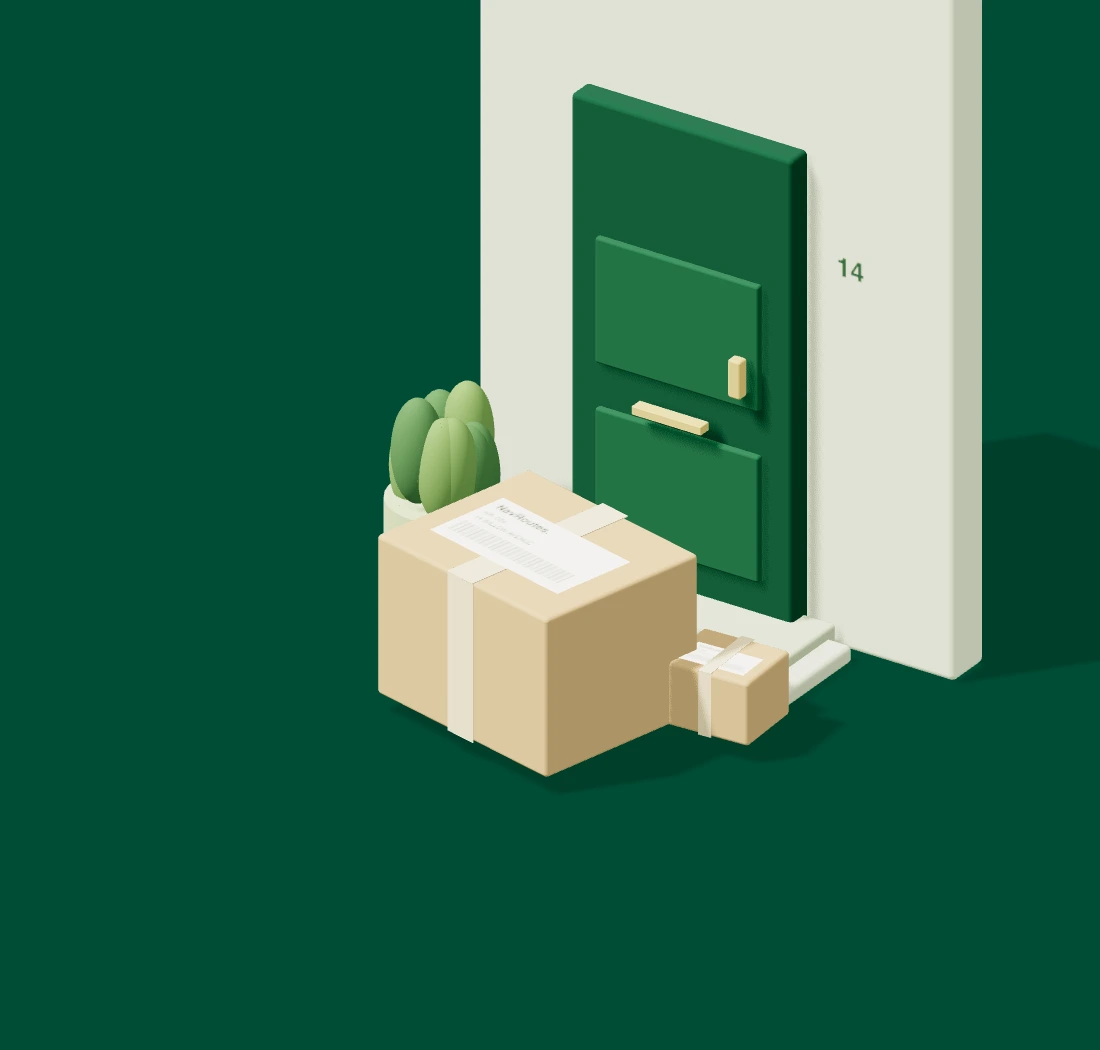
The label gets you to an address. The little details help you make the delivery. Keep the parcel reference, recipient and notes beside the stop.
Match parcel NR–024 to the next stop, without searching through the rest of the round.
NR–024 / One parcel
The reference stays with the stop.
03 / WHEN THE DAY CHANGES
Not every delivery goes to plan. Record what happened, defer a stop or re-optimise the work still ahead.
Mark the stop complete. Keep delivery photos separate from parcel-reference photos.
ONE LESS THING TO KEEP IN YOUR HEADDefer a stop when the timing isn’t right. Keep it visible while the rest of the round moves on.
A CHANGE OF PLAN, STILL ACCOUNTED FORSave the outcome and reason. Finish with a record of what actually happened.
THE WHOLE PICTURE, NOT JUST THE CHECKSTUESDAY / ROUND RECORD
04 / AFTER THE LAST STOP
Review past routes, copy stops into another run, and export PDF or CSV reports on iPhone. Less piecing the day back together later.
A few things worth knowingBEFORE YOUR NEXT ROUND
The current iPhone free plan allows up to 10 addresses, including Start and End. Larger routes require a subscription; check the app for current local pricing. Final launch entitlements remain subject to verification.
Order-page import requires iOS 26 or later, an Apple Intelligence-capable iPhone, Apple Intelligence enabled and its model available. Review the extracted addresses before adding them. Single-address scanning is a separate feature.
On iPhone, use Apple Maps, Google Maps or Waze for external navigation. NavRoutes sends one destination at a time. Return to NavRoutes to record the outcome. Android uses supported external Google Maps or Waze navigation; features vary by platform.
No. These are original illustrations that explain the delivery workflow without showing the actual app interface. The sample addresses, parcel references and records are fictional.
FROM FIRST PARCEL TO FINAL DOOR
Route planning for the person doing the delivering.